
Track Expenses
Easily manage your spending with Receiptscan's simple, intuitive interface.
Meet ReceiptScan
An app designed to simplify your expense tracking with ease and accuracy AND COMPLETELY FREE TO USE.


Why Choose Us
Track your spending effortlessly and keep your finances organized every day.
Never lose a receipt again
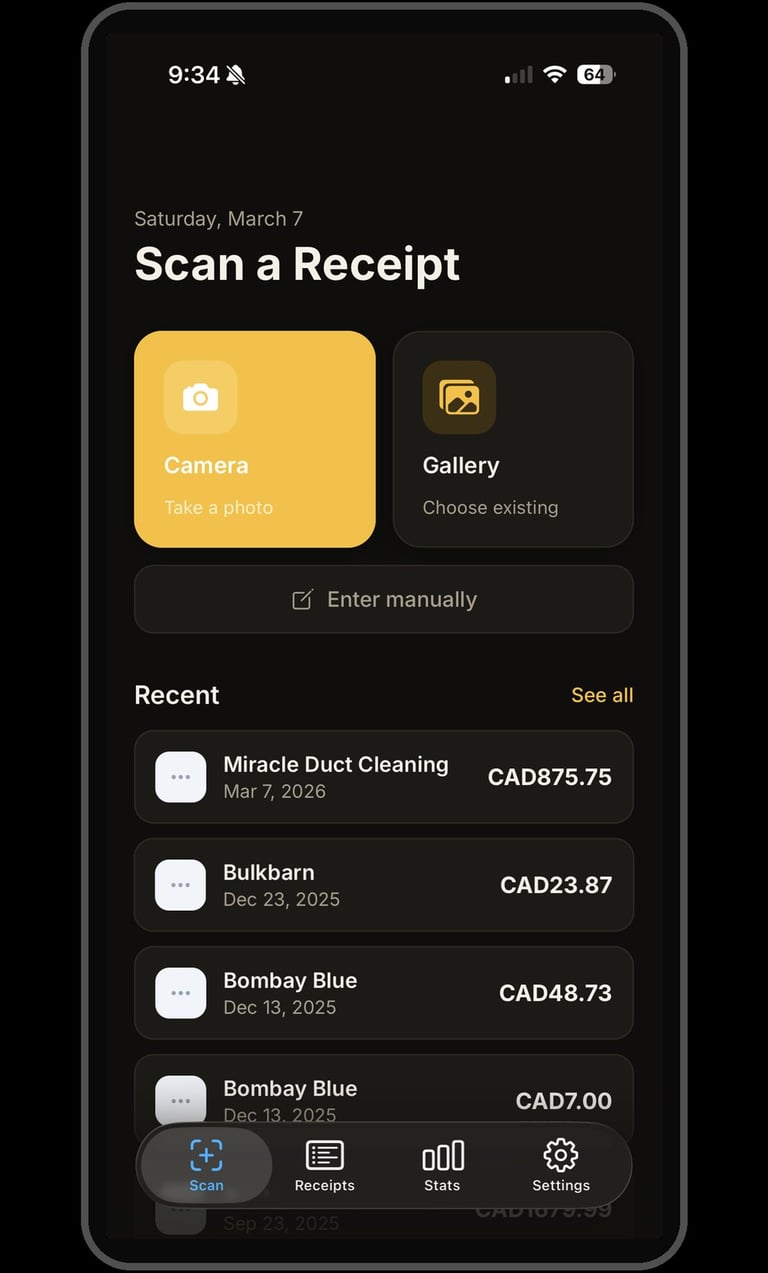
ReceiptScan makes expense tracking effortless. Simply photograph any receipt and the app automatically reads the vendor, amount, and date using on-device text recognition — no internet required. Auto reads may need to be reviewed for accuracy.
Features:
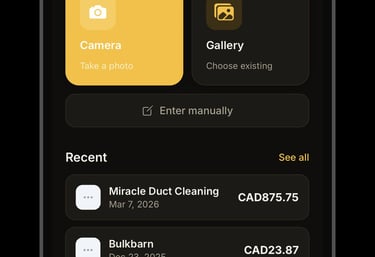
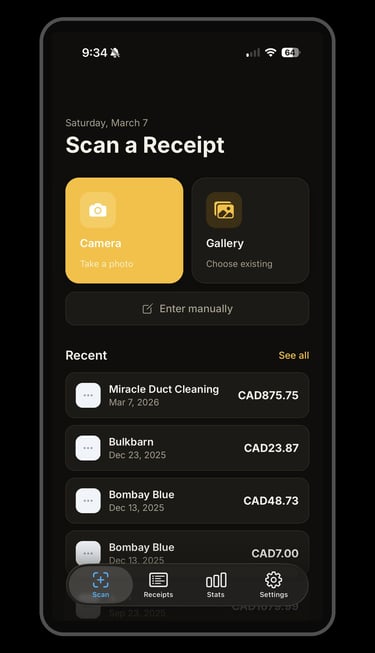
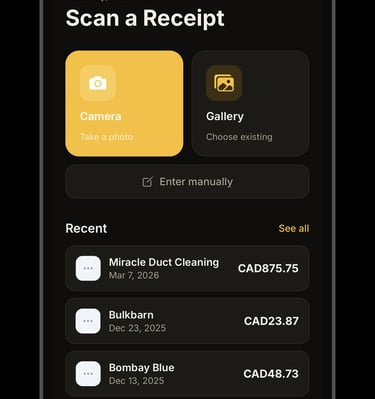
• Instant receipt scanning with your camera or photo library
• Automatic OCR reads vendor, amount, and date
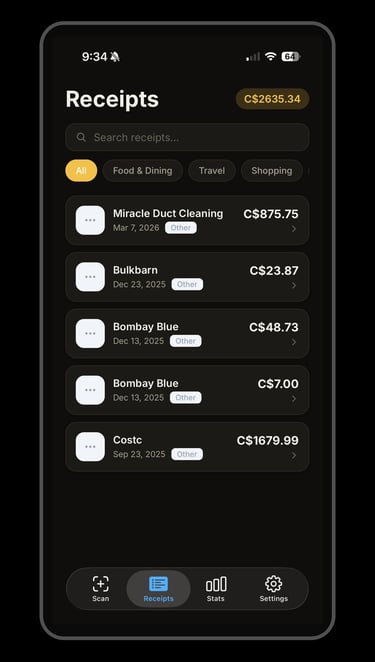
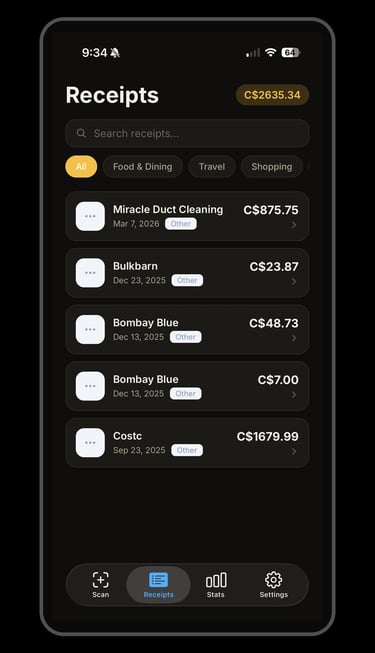
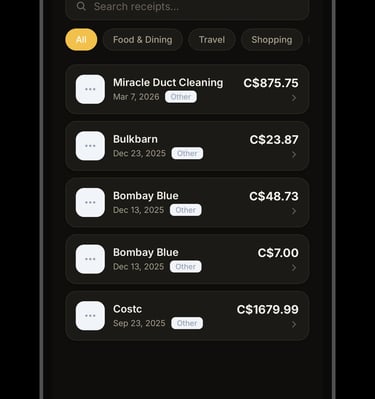
• Organize receipts by category (Food, Travel, Shopping, and more)
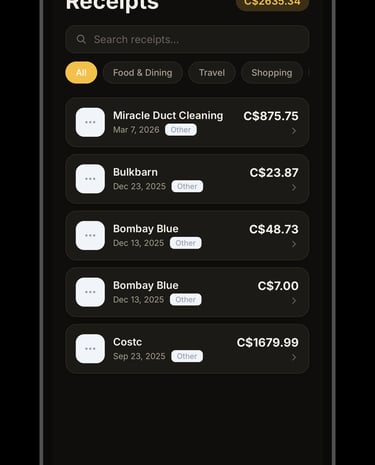
• Search and filter your receipt history
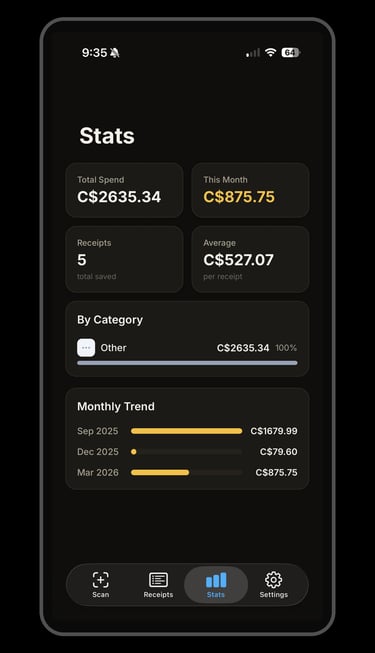
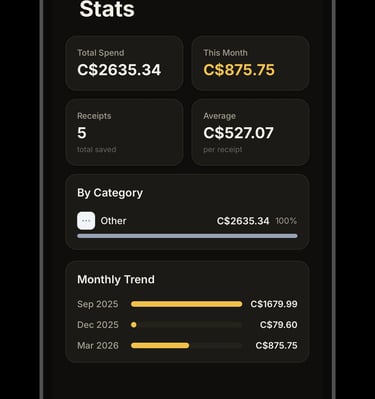
• Spending stats and monthly summaries
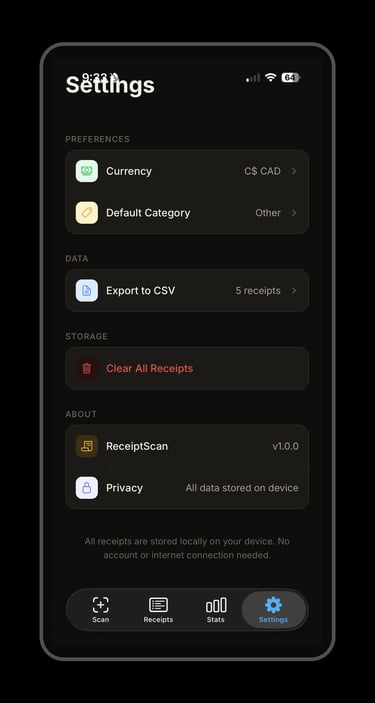
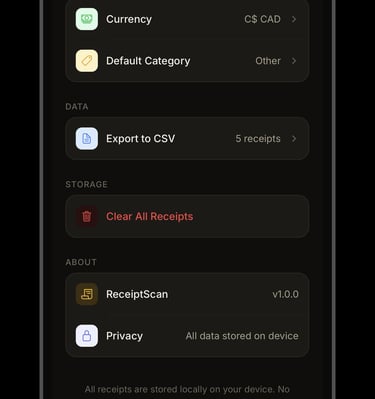
• Export to CSV for Excel, Numbers, or accounting software
• Full dark mode support
• 100% private — all data stays on your devic
No subscription required
App Preview
A glimpse at Receiptscan in action
FAQs
What is ReceiptScan?
ReceiptScan is an app that helps you track expenses easily.
How do I add receipts?
Simply snap a photo of your receipt and the app extracts the details.
Can I categorize my expenses?
Yes, you can sort your expenses into categories for better budgeting and tracking.
Is my data secure?
Your data stays private and is stored securely on your device.
Does it work offline?
Yes, you can add receipts even without internet access.
Where can I download ReceiptScan?
You can find ReceiptScan on the App Store at the link provided on this page.
How to scan receipts?
Open the app, tap the scan button, and capture your receipt clearly.
Can I export data?
Yes, you can export your scanned receipts as CSV files easily.
Is my data secure?
Absolutely, we use encryption and secure servers to protect your receipt data.
Can I edit scanned info?
Yes, after scanning, you can manually adjust any receipt details.
Does ReceiptScan require an account?
No. The app works entirely on your device with no sign-up required.

Receiptscan makes tracking expenses effortless and saves me so much time every month.
Amy K


I love how easy it is to snap a receipt and have my expenses organized instantly.
Jon M

